Menu
The menu at the top left will show navigation options of different dashboards and reports based on the role the user is logged in with. The menu can be optionally placed static on the left-hand side by clicking the circle at the top right across from the logo.
Menu Options By Role
District
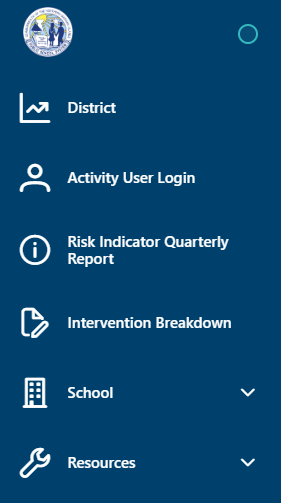
When logged in with a District Role, menu options are provided for a high-level overview. District Roles will have access to the Activity User Login, Risk Indicator Quarterly, and Intervention Breakdown.
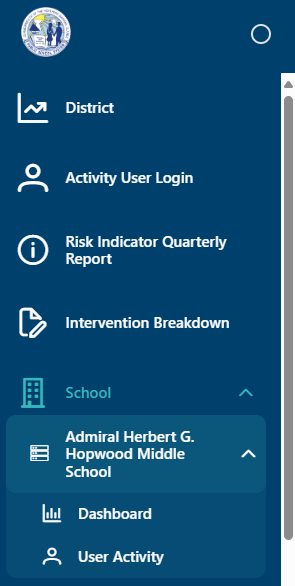
Expanding a school will allow you to view the School Dashboard and the school's User Activity Report.
School
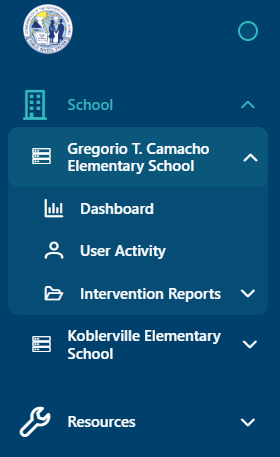
When logged in with a School Role, the menu will display the user's assigned schools. Expanding the school will display the Dashboard, User Activity, and Intervention Report Options.
Teacher
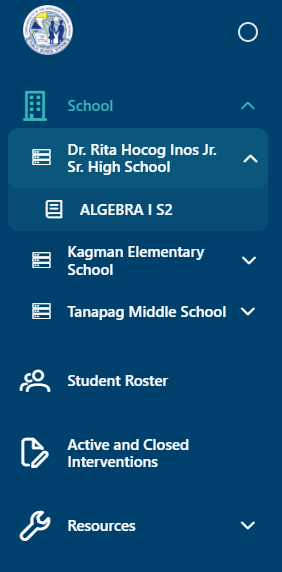
When logged in with a Teacher Role, the menu will display student data for the schools and courses assigned to the teacher.