Notifications
EWS portal provides Notifications for Schools and Teachers regarding various student activities. Notifications will show in the Top Bar of the app as a filled button with a number indicating the number of new notifications.
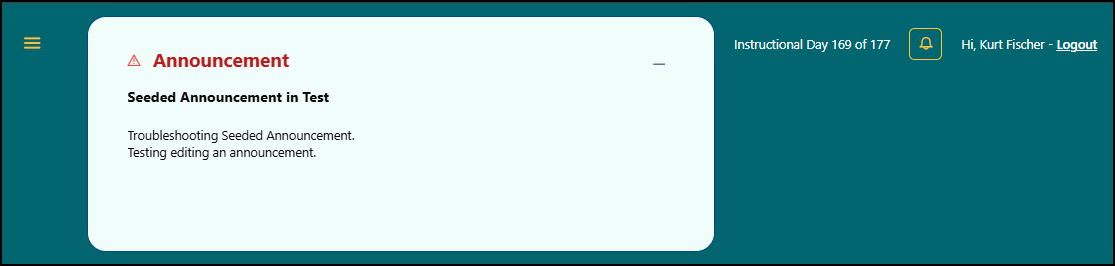
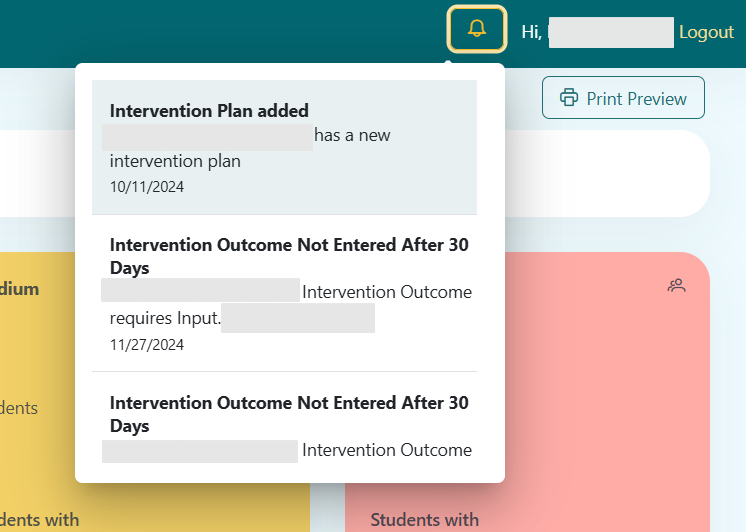
Notifications can be viewed by clicking the Notification button, and a dropdown list of all notifications will appear. After viewing notifications, the button will reflect no new notifications. Notifications will automatically be purged after 14 days.
Activity Trackers
The following activities are tracked and provided as a notification:
- Chronic Absenteeism
- Risk Level increases to "High"
- New Intervention created (new or active)
- Intervention Outcome not entered by 31 days after being closed
- Student Transfers into School