Application Access
The web application employs a multi-level single sign-on capability to authenticate and authorize users to access the system using the CNMI PSS email accounts. The EWS user access, permissions, and roles are defined within the SIS, Infinite Campus (IC). A user is required to be registered as staff in IC, along with a role. Users cannot see data outside of their group/role assignment. The system enforces the Family Educational Rights and Privacy Act (FERPA) (20 U.S.C. § 1232g; 34 CFR Part 99) Regulations (FERPA) security requirements.
Login
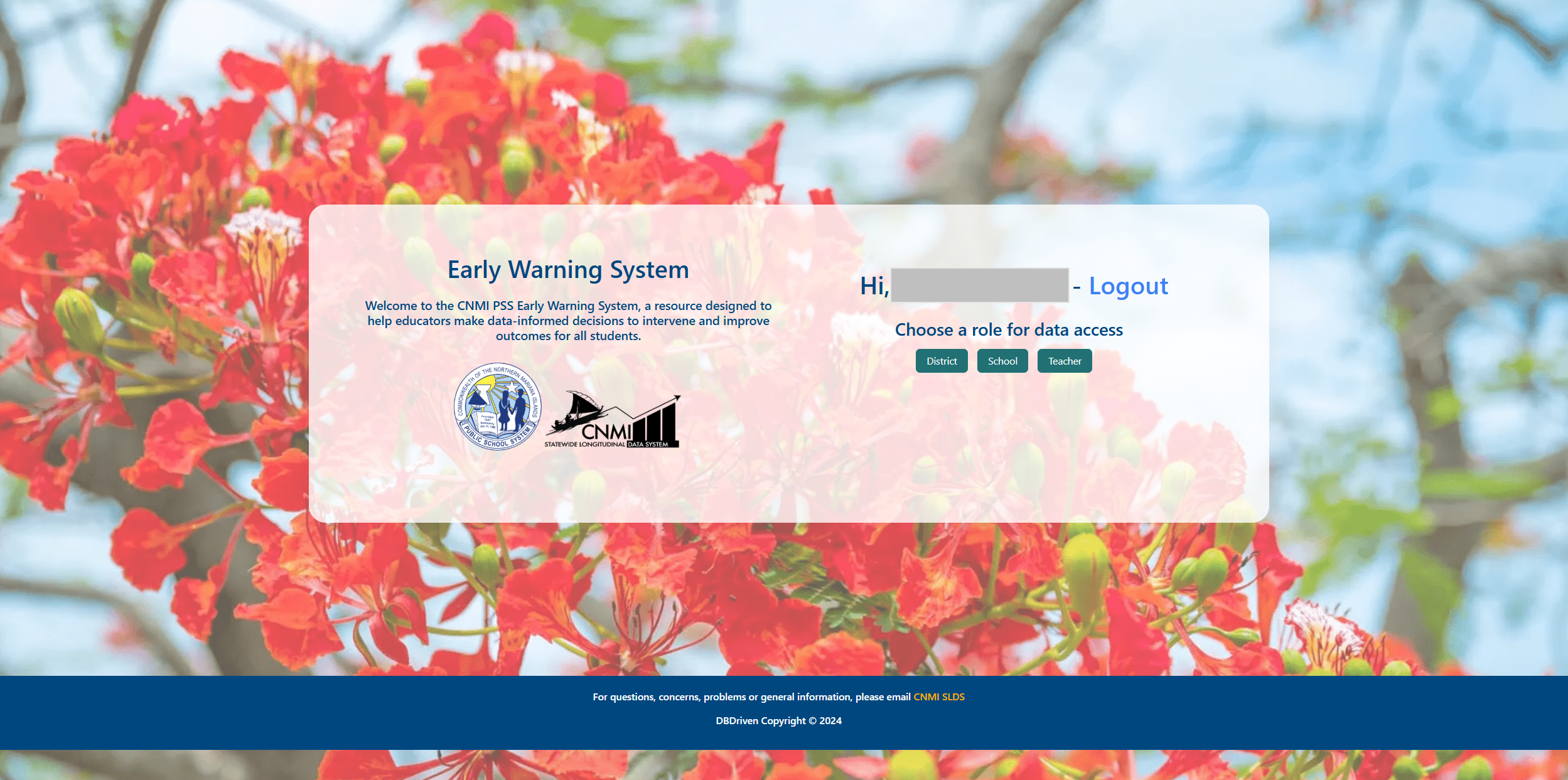
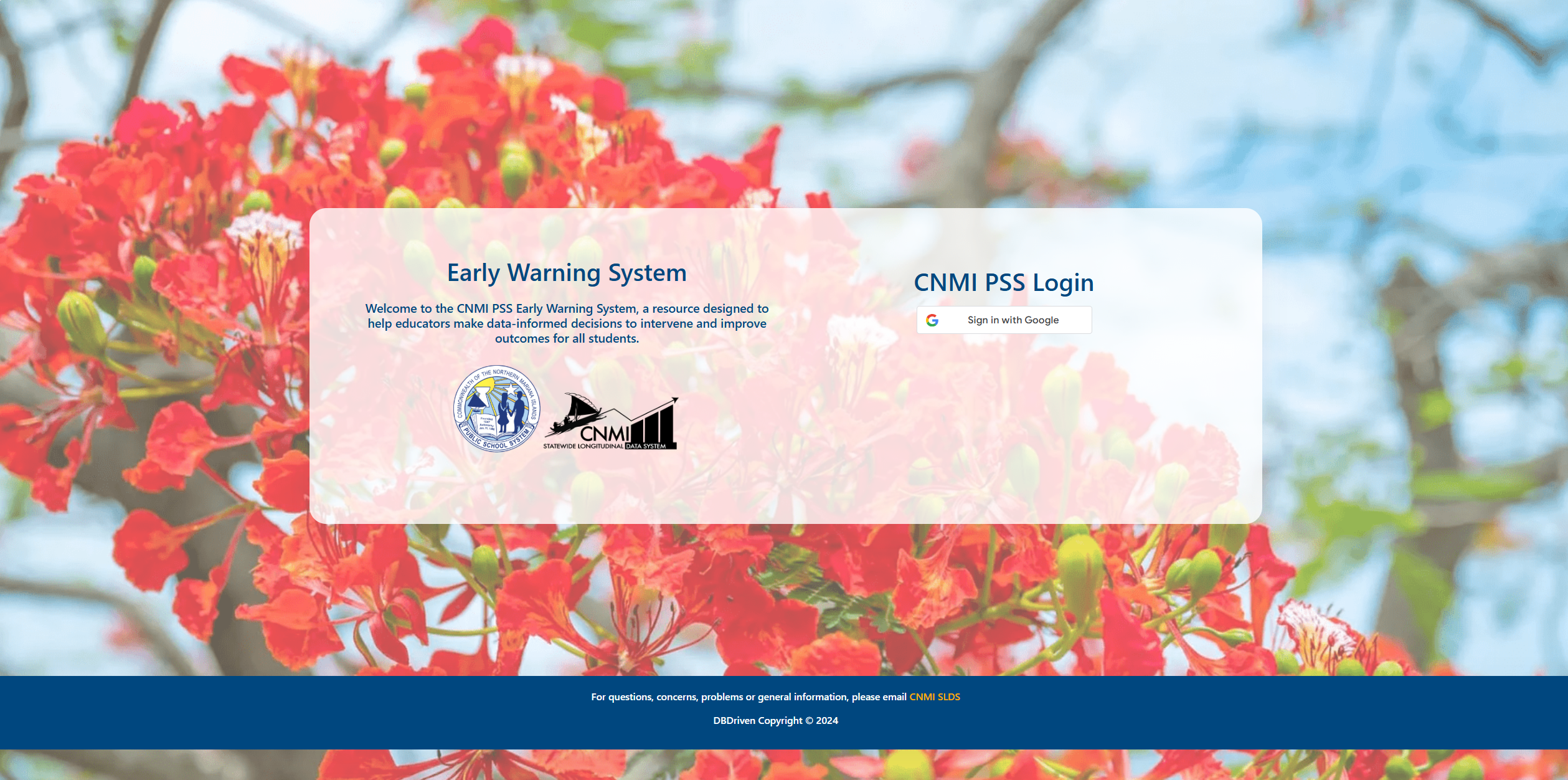
Users may access the portal through a common web browser. At the login page, the user enters the CNMI PSS email account credentials. If the user has more than one role in the system, the user must first select the specific role to login. Otherwise, the system defaults to the role assigned to the individual.
Roles
The roles defined in the system are as follows:
| Role | Description / Access | Default Page |
|---|---|---|
| District | District Administrative Staff will have access to all EWS components across all schools and students in the district. | District Dashboard |
| School | School Administrative Staff will only have access to the EWS component for all students at the specific school(s) they are assigned. | School Dashboard |
| Teacher | School Teachers will only have access to the EWS component for students in their course(s) at the specific school(s) they are assigned. | Student Roster |