Intervention Plan
An Intervention Plan must be created in order to submit new Student Interventions.
Creating An Intervention Plan
Create an intervention plan by navigating to the Student Roster and select a Student Profile. Select the green Create an Intervention Plan button.

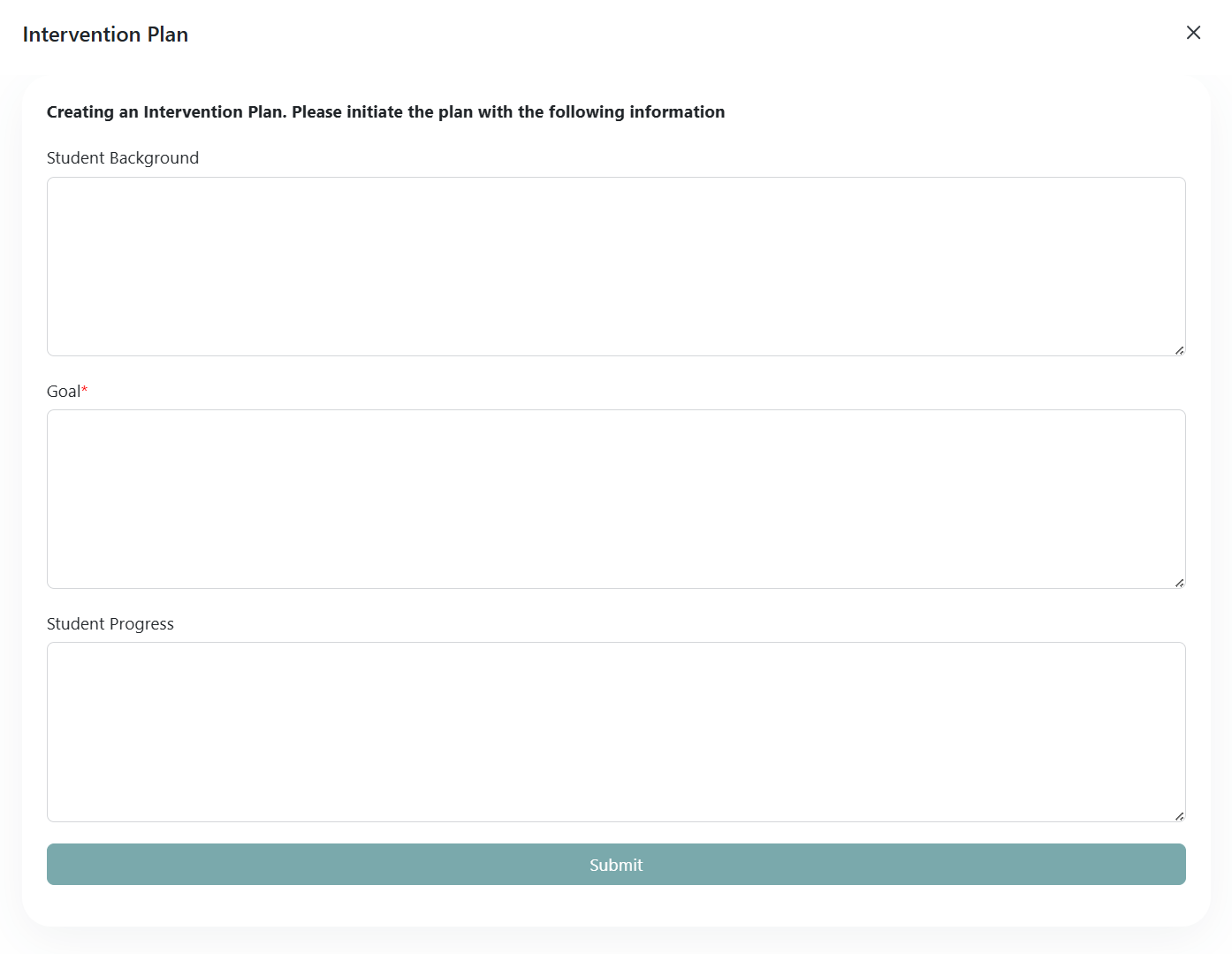
The following box will open to add information on the Student Background, Goal(s) of the Intervention Plan, and the Student Progress. The Goal text box is a required field denoted by the asterisk and red box. Click Submit when finished.
Editing An Intervention Plan
A submitted Intervention Plan may be edited by selecting the Edit Plan Initial Details button. Editing the Plan Details allows the user to add/update the Student Background, Goal, and Student Progress fields. Additionally, once an Intervention Plan is created, a Student Intervention may be entered by selecting the Submit Intervention button.