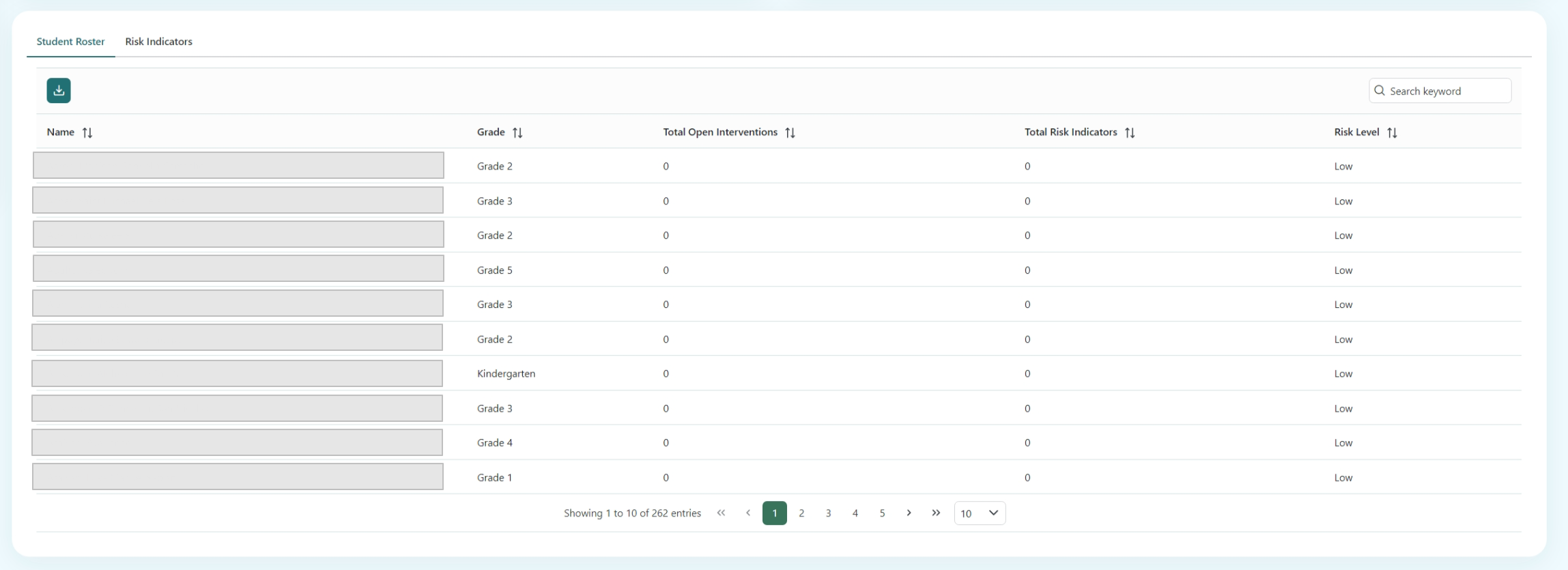
Student Roster
The student roster table will display the name, grade, total open interventions, and total risk indicators. Total Open Interventions is the count of total active interventions for each student.
A csv version of the student roster can be downloaded by clicking the download button .
The table can be searched by any column within the search keyword box and the filter will auto apply to the table. The search term entered into the search field will apply to all data in any field of the table.
By clicking a student's row on the table, you will be navigated to the Student Dashboard Page.