Filters
The available filters for the dashboard are School Year, School Name, Student Risk Indicators, and Student Attributes. Filters will be applied to all visuals after clicking submit. Anytime a filter is changed, you must click submit.
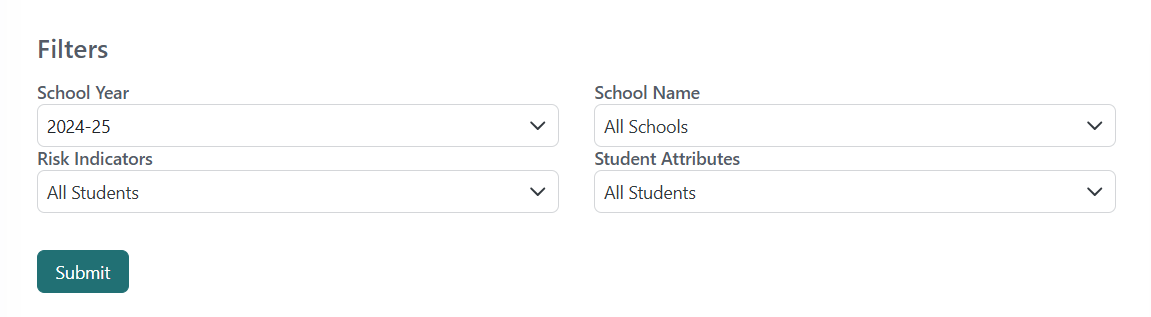
Applicable Filters By Dashboard
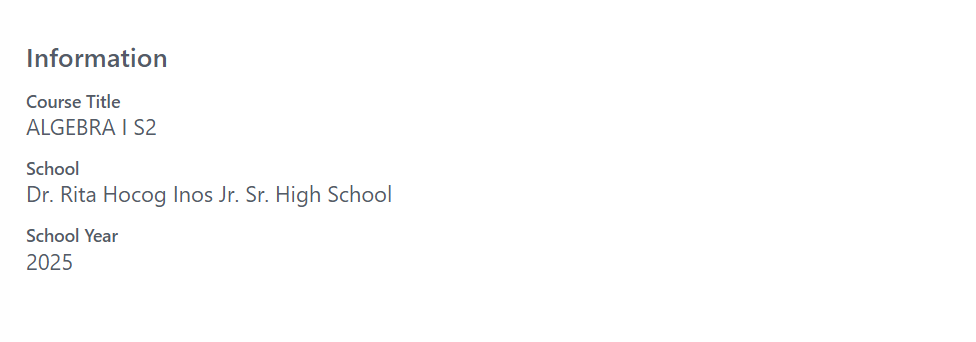
Available filter options vary by the dashboard that is being viewed. The District Dashboard will have all available filters. The School Dashboard does not show the school filter since that is automatically applied based on the school that is being viewed. The Student Dashboard will only allow a school year to be selected if there is a previous record the user has access to. The Teacher section dashboard does not allow filters to be selected as it only allows to view all students for the current school year at the school related to the course you are viewing. A card with this information will be displayed in place of the filter options.
View the Data and Business Rules on Risk Indicators, for more information on applicable risk indicators.